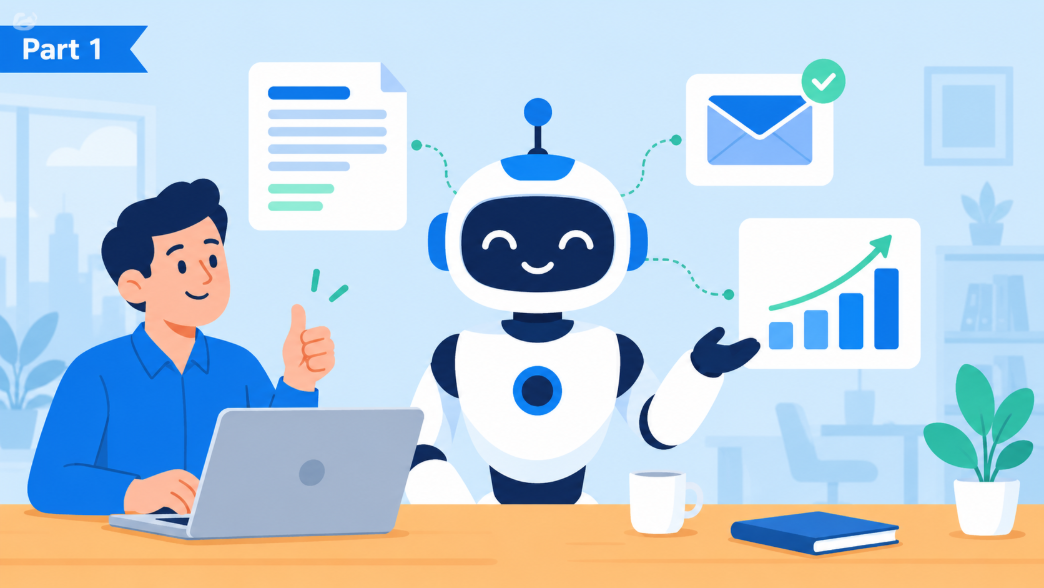
AI Playbook, Part 1: Understanding AI and Its Real Business Uses
A plain-English, big-picture look at AI for the business owner.
Welcome to the AI Playbook, a four-part series for business owners who want to understand AI without the tech talk. Part 1, the one you are reading now, explains what AI is and where it can actually help your business. Part 2 covers the cleanup to do before you let AI anywhere near your files and email. Part 3 of the AI playbook breaks down what AI really costs and how to tell whether it is paying off. Part 4 shows how a business grows from a simple chat window to AI that handles real work on its own.
What AI actually is
The AI tools getting all the attention are built on what are called large language models. This is software trained on an enormous body of written material until it learns how people communicate and reason. When you give one a question or a task, it draws on those patterns to produce a response that is often remarkably good. A useful way to think about it is as a brilliant new hire on their first day. It can turn out drafts and summaries with impressive speed, but it does not know your business and will not remember past conversations unless you supply the context. It will also occasionally present something incorrect with complete confidence. Treat its output the way you would treat that new hire's work, as a strong first draft that someone reviews before it goes out the door.
Where AI actually saves time right now
Right now, AI earns its keep on a handful of practical jobs that save time every single day. In an office today, AI earns its keep on a short list of unglamorous jobs.
- Drafting. First versions of emails, proposals, job descriptions, policies, and social posts. You edit instead of starting from a blank page.
- Replying. Point it at an email and ask for a reply in your voice: polite decline, quick confirmation, answer to a question buried three messages back. You read it over and hit send.
- Building spreadsheets. Describe what you want to track and it lays out the columns, writes the formulas, and explains what each one does. Handy for the budget you keep meaning to set up.
- Summarizing. A 40 message email thread, a one hour meeting, a 30 page contract, condensed into what you need to know.
- Finding. "What did we promise this client in March?" answered from your own files, if the AI has been connected to them.
- Rewriting. Make it shorter, make it friendlier, make it sound like us, turn these notes into a proper document.
- First pass analysis. Spot the trend in this spreadsheet. Which of these 200 survey comments mention pricing?
- Coding. AI can write scripts, website tweaks, and small tools from a plain description of what you need. It can also make mistakes or open security holes that are easy to miss, so have someone who knows code review and test it before anything goes live.
- Chatbots. A chatbot connected to your own policies and documents can answer staff questions, like how to submit an expense or where the latest price list lives. Put the same idea on your website and it can handle common customer questions after hours, handing the tricky ones to a real person.
- Agents. The more advanced option is an agent, AI that goes beyond answering questions. It carries out a multi-step job on its own, such as processing a return from start to finish or following up on an overdue invoice. Agents can save real time, but they take a lot of effort and time to set up correctly and need careful testing before you trust them with customers or money. We cover them properly in Part 4 of this series Coming soon.
Whatever you use it for, remember that AI is a starting point and not the final word. Every result should be reviewed by a person before you rely on it.
Who sells it
Four names will come up over and over. They are all selling the same basic idea in different packaging.
- Microsoft Copilot is built into Word, Excel, Outlook, and Teams. If your business runs on Microsoft 365, this is the one that shows up where your people already work. You may still see it called Microsoft 365 Copilot.
- ChatGPT from OpenAI. The one that started the conversation. A standalone chat tool with business plans that add sharing and data protections. It can also create images from a written description, which comes in handy for social posts and presentations.
- Claude from Anthropic. A standalone tool with a reputation for careful writing and handling long documents well. It is also widely considered a leader at writing code.
- Gemini from Google. Included with Gmail, Docs, and Sheets when your business runs on Google Workspace.
Terms that come up in every AI conversation
AI comes with its own vocabulary, and vendors tend to use it freely in sales pitches and proposals. Here is the tech speak you need to know so you can follow it all and ask the right questions.
- Agent. AI given a goal and some tools, working through several steps on its own: read the inbox, pull the price list, draft the quote, flag anything unusual for a human.
- Bot and clanker. Bot is the everyday nickname for any automated program, like the chat window on a website. Clanker is newer slang people use to poke fun at AI, usually right after it gets something hilariously wrong.
- Chat. The simplest way to use AI: a conversation in a box. You ask a question, review the answer, and refine from there.
- Co-work. AI working alongside you inside your actual tools, with access to your actual files. Ask Outlook to summarize a thread, ask Excel to explain a trend. This is where most of the business value lives.
- Context window. How much the AI can hold in mind at once. Big enough these days to read a long contract in one go.
- Effort. Many AI tools now let you choose how hard the model thinks before it answers, usually a simple dial from low to high or a separate thinking mode. More effort tends to produce better answers on complicated questions, but it takes longer and uses more tokens, which can mean a bigger bill.
- Grounding. Connecting the AI to your company's information so it answers from your files instead of the open internet. Without grounding it knows nothing about your business.
- Hallucination. The industry word for a confident wrong answer, like a made-up fact or a source that does not exist. It happens often enough that two New York lawyers were sanctioned by a federal judge after filing a court brief that cited fake cases ChatGPT had invented.
- Model. The AI brain itself. GPT, Claude, and Gemini represent three competing models. Each brings a different set of strengths shaped by how its maker trained it. Products are built on top of them. You will also hear the term frontier model, which simply means the newest and most capable models from the leading AI companies. They are the most powerful option available and usually the most expensive to use.
- Prompt. Whatever you type in. The better the prompt, the better the answer. "Write a follow up to this client, friendly, under 100 words, mention the Tuesday deadline" beats "write an email".
- Token. The unit AI companies use to measure and bill for usage, roughly three quarters of a word. Behind-the-scenes tools like website chatbots and agents are usually billed by the token. Those charges can come on top of the subscription or license fees you already pay. We dig into the numbers in Part 3 Coming soon.
- Training on your data. The fear that what you type teaches the AI and leaks to competitors. On business plans from the four vendors above, your data is not used to train their models. On free personal accounts, read the fine print.
So should you use it?
For most businesses the honest answer is yes, though probably not for everyone on day one. Start with the people who spend most of their day writing and answering email, and do a little housekeeping first. That means locking down who can see which files before AI can see them too, which we walk through in Part 2 of this series. When people actually use it, most studies of small and mid-size businesses find it saves each person about an hour and a half a week. Just keep in mind that a license nobody opens costs the same as one that changes how someone works.
Want to talk through what AI could do for your business specifically? Contact us. We will bring plain English and leave the buzzwords at the door.
Up next in AI Playbook is Part 2, Getting Your Data and Environment Ready.
 Guide
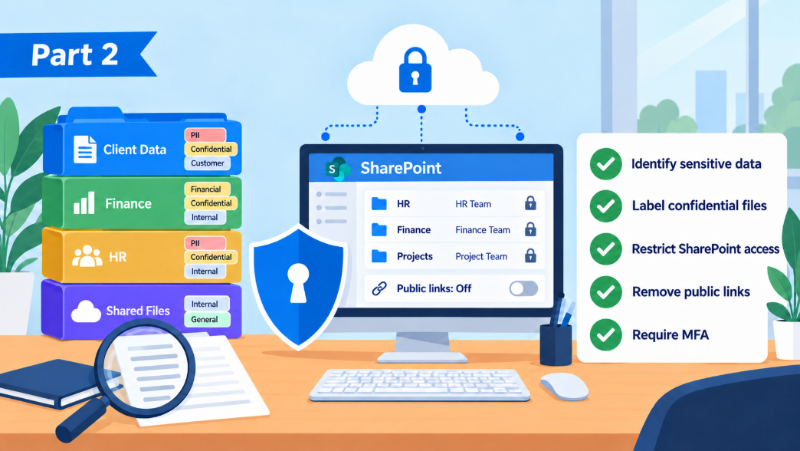
GuideAI Playbook, Part 2: Your AI Implementation Checklist
Five steps to secure your data before AI can see it. Includes a real story of confidential code leaked and a practical AI implementation checklist.
Read article → Company news
Our Biggest Security Upgrades of 2026: ClickFix Shield and More
Wireguided just released three security upgrades. A free interactive Threat Test customized to each person who takes it, free real-world security training, and ClickFix Shield, the first IT provider protection that blocks the attack, alerts the employee, and steers them straight to training.
Read article → Security
Passkeys, explained: the sign-in with nothing to steal
What a passkey is, why it is safer than a texted code, and how to set one up in two minutes. Plus the Microsoft dates that make it urgent for business accounts.
Read article →