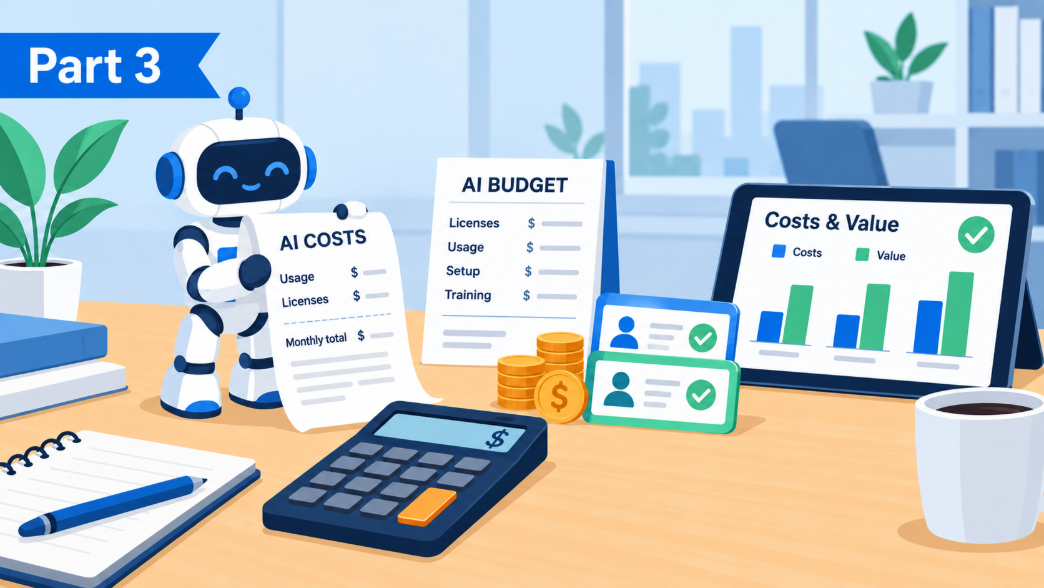
AI Playbook, Part 3: What AI Really Costs (and How to Tell If It Is Paying Off)
What AI really costs once the usage charges arrive, plus a back of the envelope way to tell if it is paying off.
What AI licenses cost
AI prices change often, so treat these as ranges rather than quotes. What you pay depends mostly on which kind of plan you buy.
- Business plans. Built for small and mid-size teams, these run about $20 to $30 per person a month. Most need only one or two seats to start, and they come with the admin controls and data protections a business needs. Microsoft 365 Copilot sits in this range but also needs a qualifying Microsoft 365 license underneath it, while Gemini comes bundled into most Google Workspace business plans.
- Premium seats. Some vendors sell a bigger allowance for heavy users at around $100 to $125 per person a month. Save these for the one or two people who truly live in the tool.
- Enterprise plans. Meant for large organizations, these typically run $30 to $60 or more per person a month. They often require a large minimum seat count and a year-long contract, so most small businesses never need them.
- Personal plans. Just say no. The $20 individual accounts are built for consumers. They give you no control over company data, and some may use what your team types to train future AI.
- Usage charges. Anything that runs behind the scenes, like an agent or a website chatbot, is usually billed by the token on top of any license. Depending on the model, a million tokens (roughly 750,000 words) costs anywhere from under a dollar to $25 or more. Microsoft's Copilot Credits work out to about a penny each, and a single complex task can use dozens or even hundreds of them.
Hidden usage charges nobody puts on the quote
The newest AI tools do more than answer questions. They take on whole jobs, like reading your inbox each morning and drafting replies, or turning a meeting transcript into a follow-up email. That kind of work is usually billed by usage on top of the license. Microsoft calls its version Copilot Credits, while other vendors bill by the token, the unit of text we explained in Part 1.
Microsoft's new Copilot Cowork is a good real-world example. In a hands-on review on the T-Minus365 blog, the author names the pricing as its biggest problem. Cowork needs the full Microsoft 365 Copilot license to get started, and every task it runs then uses credits that are billed separately.
The catch is that usage costs grow with success. For people who lean on these tools heavily, usage charges can run $200 to $300 per person a month on top of the license itself. The more your team leans on AI to finish work, the more credits it burns, which makes the real cost hard to predict when you sign up. Before you turn on anything that runs on its own, ask the vendor exactly how usage is billed and set a spending cap. Then keep a close eye on the usage report for the first few weeks.
Five ways the bill gets out of control
1. Seat sprawl. The most common mistake is buying a license for everyone on day one. Across the businesses we see, roughly a third of assigned AI licenses get used more than once a week. The other two thirds are paid for and forgotten.
2. Tool sprawl. Marketing signs up for ChatGPT Business while Sales buys Claude, and meanwhile everyone already has Copilot. That leaves three subscriptions doing the same job, each with its own data agreement that someone should be reviewing.
3. Expense report AI. Employees buy individual $20 plans on company cards that IT never sees, and those plans come with consumer data terms. This is the Samsung problem from Part 2.
4. Consumption surprises. Usage based agents are like a cab meter, and the meter counts tokens. An agent that triages 40 emails a day uses few tokens and stays cheap. An agent someone wires up to reread your entire document library every morning burns through tokens fast, and the bill follows.
5. The base license upgrade. The full Copilot needs a qualifying Microsoft 365 plan underneath it. If half your team is on a basic plan, the true cost of "adding Copilot" includes moving them up first.
The math for a 25 person firm
Say you license everyone for full Copilot at $21. That is $525 a month, or $6,300 a year. Now say eight people actually use it every week, which matches what we typically see without a deliberate rollout. Your real cost per active user is about $66 per month, triple the sticker price.
Now add the surprise. Two of those eight become power users and set Copilot up to run jobs on their own, like prepping every meeting and drafting every follow-up. At $250 each in token usage, that is another $500 a month on top of the licenses. Your AI bill has nearly doubled to about $1,025 a month, roughly $12,300 a year, even though nobody signed anything new.
How to measure whether it is paying off
You do not need a consultant for this. You need a stopwatch and three tasks.
- Pick three recurring jobs the pilot group does a lot, like writing proposals or answering support tickets. Time them for two weeks before AI.
- Time them again after 60 days of real use. The difference, measured in hours per person per week, shows your raw savings.
- Multiply by a loaded hourly cost (salary plus benefits and overhead divided by working hours). For a $65,000 employee that is around $45 to $50 an hour.
- Compare to the license cost. Eight people saving 1.5 hours a week at $48 an hour is about $575 a week, which works out to roughly $30,000 a year against about $2,000 in licenses. That 1.5 hour figure comes from a Forrester study of Copilot at small and mid-size businesses.
Beyond hours, watch for quality signals. Proposals might go out a day sooner and need fewer rounds of edits. Support replies might need less correction too. These are harder to count and often bigger than the time savings.
Things to avoid
- Buying for everyone before a small pilot group has run for 60 to 90 days.
- Signing a one-year term before that pilot proves the AI gets used and increases efficiency or improves quality.
- Letting individuals buy their own AI on company cards. Give them a sanctioned tool instead.
- Measuring nothing. If you cannot say what a seat saved, you cannot defend it at renewal.
- Skipping training. Half a day of "here is how our team uses this" is the difference between the license that changes a job and the one that gathers dust.
Want a real number for your business instead of a range? Contact us and we will work it out with your actual headcount and plans.
Catch up on Part 2, Getting Your Data and Environment Ready if you missed it, or keep going with Part 4, From Chat to Agents Coming soon.
 Guide
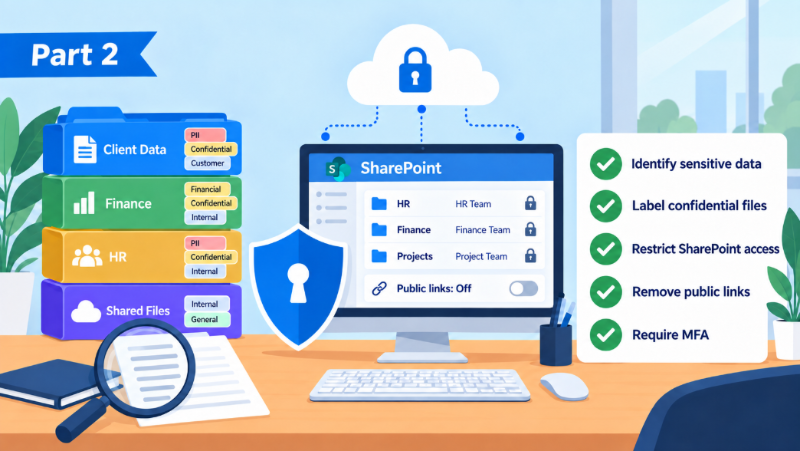
AI Playbook, Part 2: Your AI Implementation Checklist
Five steps to secure your data before AI can see it. Includes a real story of confidential code leaked and a practical AI implementation checklist.
Read article →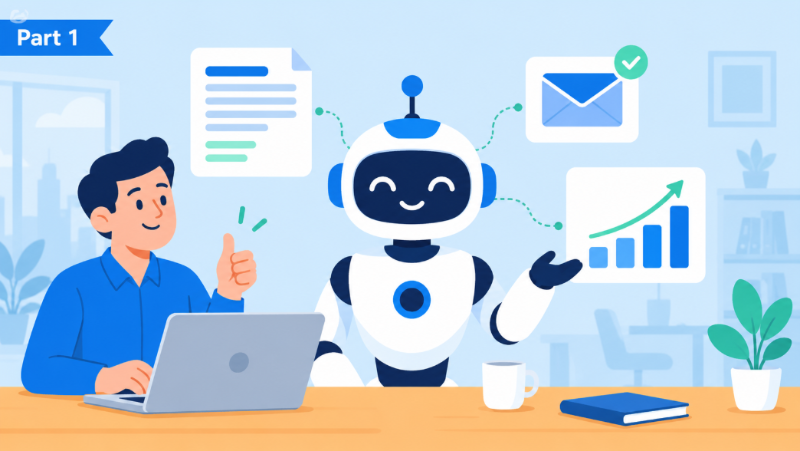 Guide
AI Playbook, Part 1: Understanding AI and Its Real Business Uses
Start with AI Playbook Part 1: what AI is, where it helps a business, and how to think about it without the tech talk or the hype.
Read article → Company news
Our Biggest Security Upgrades of 2026: ClickFix Shield and More
Wireguided just released three security upgrades. A free interactive Threat Test customized to each person who takes it, free real-world security training, and ClickFix Shield, the first IT provider protection that blocks the attack, alerts the employee, and steers them straight to training.
Read article →